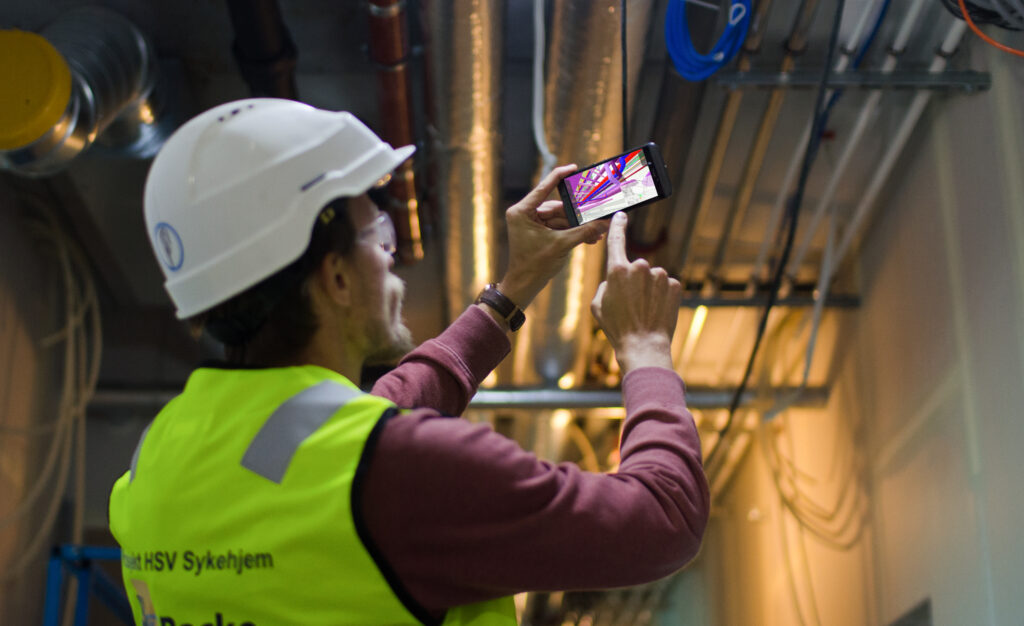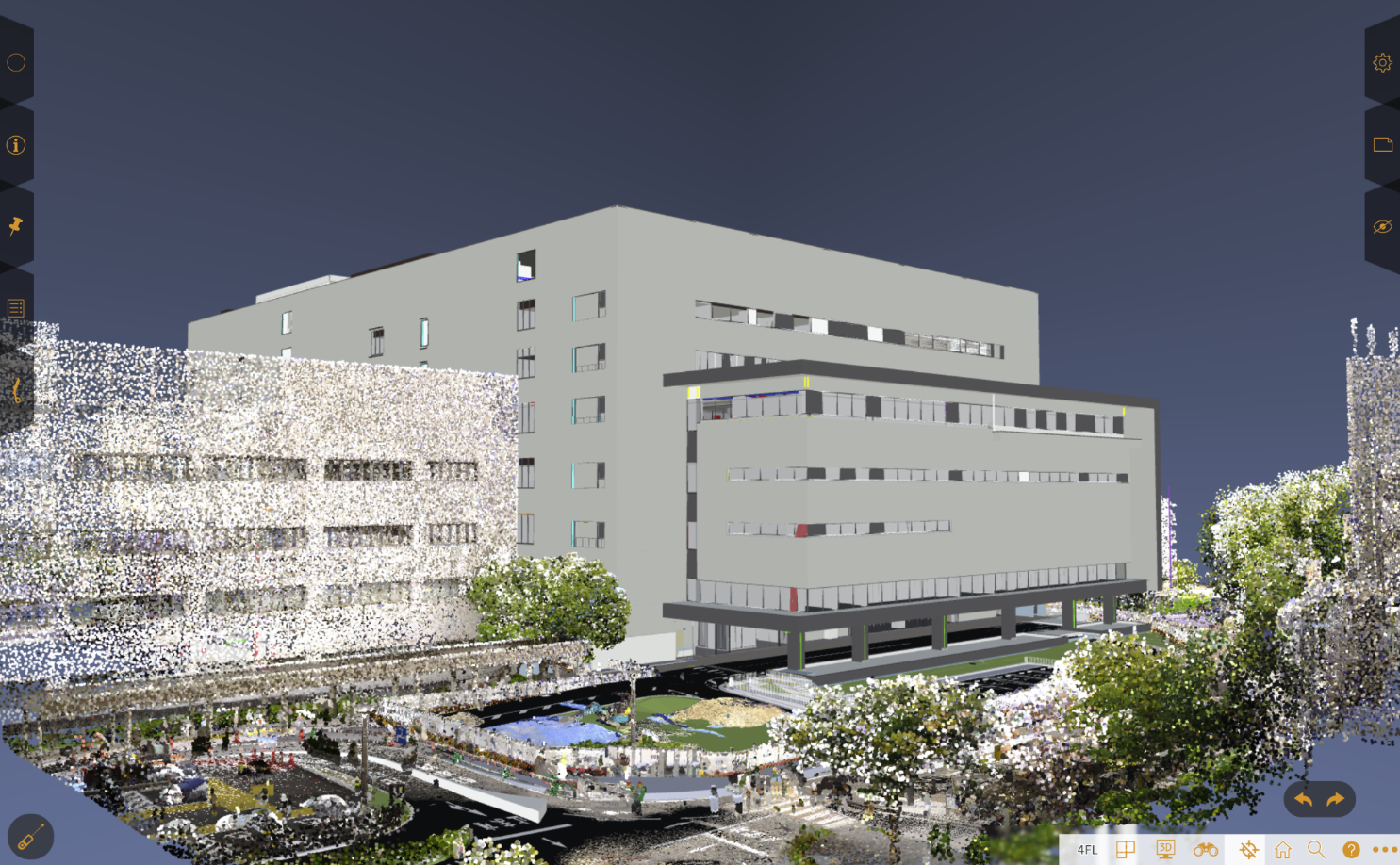
Mobile BIM (building information modeling) makes the model — geometry + metadata — available where the work happens: on-site, client meetings, inspections, or maintenance. “Viewing BIM on mobile” can mean many different technical approaches, each with different strengths and limits. Below is a practical guide that explains the common solutions, how they differ — and how StreamBIM fits into this landscape.
Why view BIM on mobile?
-
- Faster decisions on site. Markups, clashes, or questions can be resolved immediately rather than waiting to return to a desktop.
-
- Field verification and QA/QC. Inspectors and trades can check model vs. reality and record issues with photos/geolocation.
-
- Better stakeholder access. Clients and managers can review models without learning heavy desktop software.
-
- Handover & FM. Facility teams can access asset information during handover or operations.
- Handover & FM. Facility teams can access asset information during handover or operations.
Main approaches to mobile BIM viewing
Native vendor mobile apps
What they are: Mobile apps provided by BIM platform vendors (Autodesk, Graphisoft, Trimble, Nemetschek brands, etc.) that connect to their cloud services and render models on phones/tablets.
How they work: Apps download an optimized copy of the model (or stream it) and use native rendering engines. They usually support markups, walk-through, model property inspection, and linking to cloud issues/tickets.
Pros: Deep integration with vendor workflows (issues, versioning, permissions). Good performance because models are optimized by the vendor for mobile. Built-in support for formats the vendor handles (Revit, Tekla, ArchiCAD, etc.).
Cons: Often tied to a specific cloud/service — less flexible for mixed-tool workflows. May require paid subscriptions. Feature set can differ between iOS and Android.
Best for: Projects already standardized on a vendor’s cloud (e.g. Autodesk or Graphisoft users) and teams that want seamless sync with desktop tools.
Generic mobile model viewers (third-party apps)
What they are: Independent mobile viewers (StreamBIM, Dalux..etc)that open common BIM formats (IFC, glTF/GLB, OBJ, sometimes native formats) and provide visualization, simple metadata browsing, and markups.
How they work: Upload model files to the app, or open them from cloud storage. They typically use mobile GL/WebGL engines and may pre-process models into optimized meshes.
Pros: Often format-flexible and vendor-neutral. Good for ad-hoc sharing or when stakeholders don’t use the same BIM platform. Lower cost options exist.
Cons: Limited integration with project issue trackers or model authoring workflows. May not support full metadata, parametric behavior, or advanced project-level features. Performance varies widely between apps.
Best for: Cross-team reviews, quick sharing with clients or contractors who aren’t on the project’s main BIM platform.
AR (augmented reality) and mixed-reality viewers
What they are: Mobile AR apps that overlay BIM geometry onto the real world (via device camera), or let you place model elements in a real site context.
How they work: AR viewers align model geometry to real-world coordinates via manual alignment, GPS, QR/marker-based alignment, or advanced SLAM-based localization. They often show simplified geometry and selected properties.
Pros: Powerful for verification — visualize where an element will sit in reality. Very effective for stakeholder communication and safety planning.
Cons: Alignment and scaling can be finicky; environmental conditions affect tracking. Large or highly detailed models must be simplified. Often needs good devices (ARKit/ARCore capable).
Best for: Site coordination, layout verification, safety planning, presenting design intent to non-technical stakeholders.
Offline/sync solutions
What they are: Mobile viewers that allow downloading an optimized model bundle for fully offline use, then syncing changes or issues when back online.
How they work: Model is preprocessed into a compact format and cached on the device. Issues and markups are queued and uploaded later.
Pros: Essential for sites with poor connectivity. Preserves functionality in remote areas.
Cons: Requires careful version control: risk of working on outdated model snapshot. Potentially large local storage usage.
Best for: Remote sites, underground works, or places with poor cellular coverage.
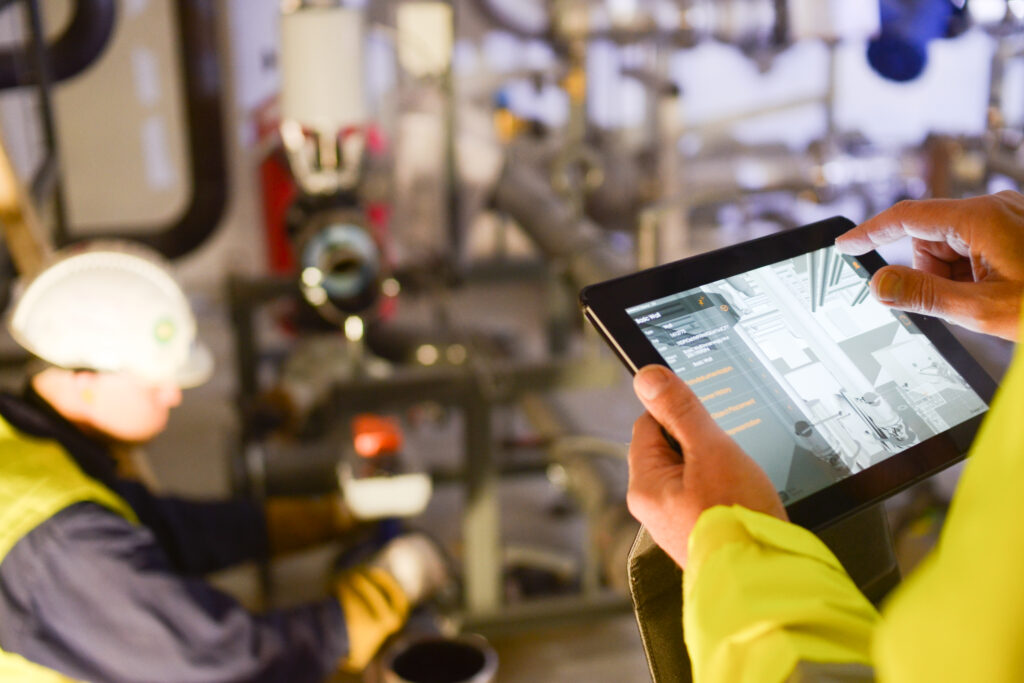
How StreamBIM Fits as a BIM Mobile Viewer
Mobile-First Access to BIM Models
StreamBIM’s core strength is that it’s optimized for phones and tablets, giving field personnel instant access to:
-
3D models
-
2D drawings
-
Object metadata
-
Updated revisions
It reduces reliance on desktop BIM applications and heavy hardware.
Cloud-Based, No Heavy Downloads
Unlike traditional BIM viewers that require downloading huge model files, StreamBIM uses cloud-based streaming:
-
Models render progressively (like streaming video)
-
Works even with large and complex projects
-
Lower device performance requirements
This makes it particularly valuable in the field where connectivity may vary.
Coordination & Issue Management On-Site
StreamBIM includes built-in tools for:
-
Clash/issue reporting
-
Commenting on objects
-
Markups
-
Communicating changes between field and office teams
This bridges the gap between design and construction execution.
Easy Viewing for Non-Technical Users
StreamBIM focuses on simplicity:
-
Intuitive touch controls
-
Clean user interface
-
Quick navigation through floors, rooms, and systems
-
QR-code support for model recall
This helps trades, supervisors, and site managers who may not be BIM specialists.
Integrates With Authoring & Common Data Environments
It supports industry-standard formats:
-
IFC (main format)
-
DWG, PDF, and other reference sheets
It fits into BIM workflows as the field-facing viewer rather than a design tool.
Real-Time Model Updates
Designers or BIM coordinators upload new revisions to the cloud, and:
-
Site staff see updates immediately
-
Version control is built-in
-
Reduces errors from outdated drawings
This supports modern, iterative construction processes.
Strong Fit for Construction & Installation Phases
StreamBIM is used mainly during:
-
Construction
-
MEP installation
-
QA/QC
-
Commissioning
-
Handover
Because it focuses on delivering the right information in the right place—the jobsite.